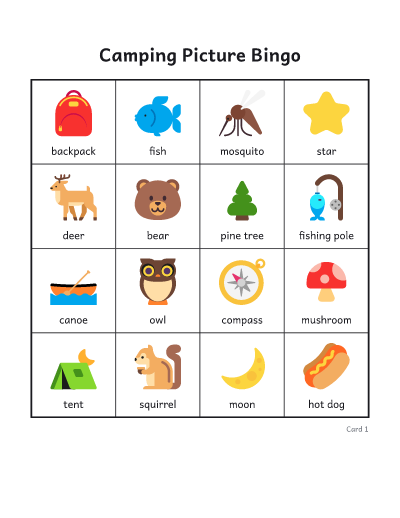
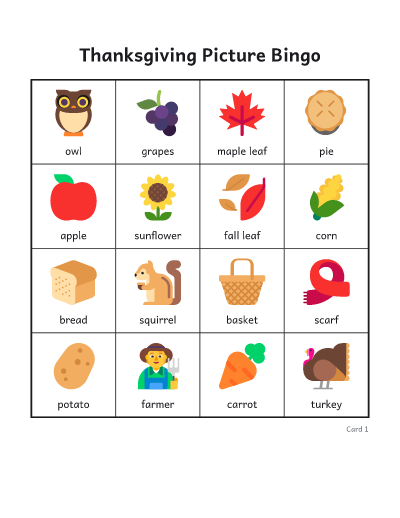
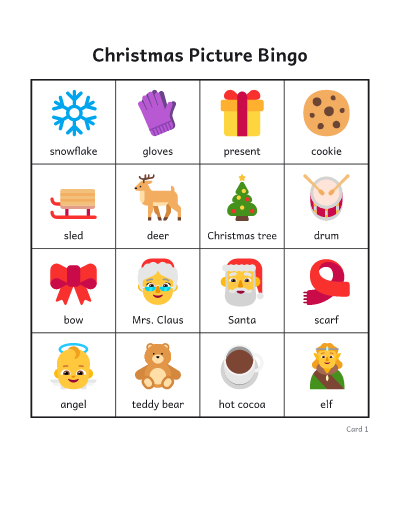
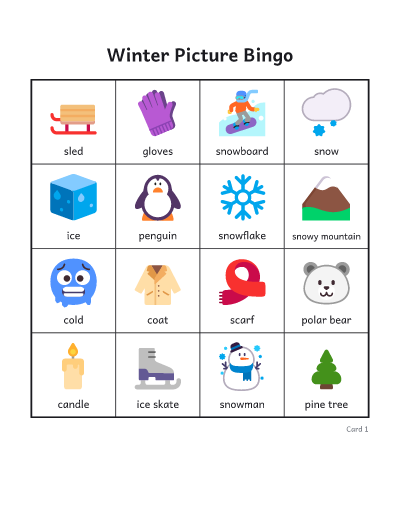
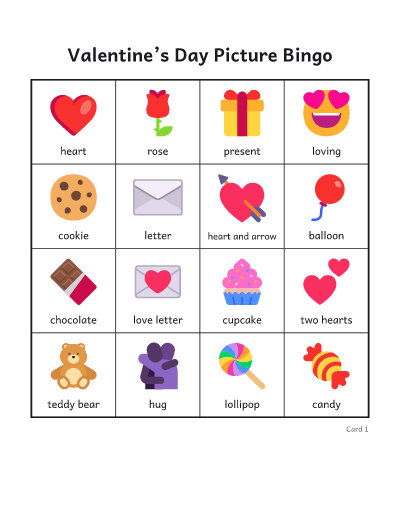
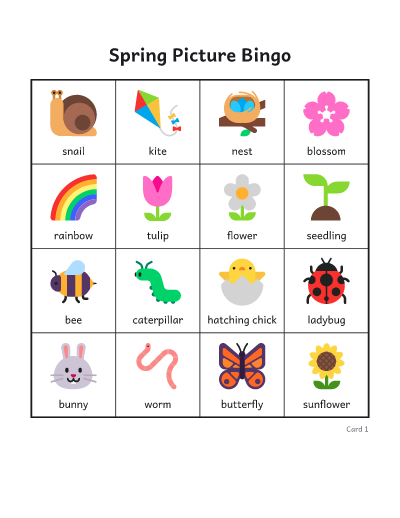
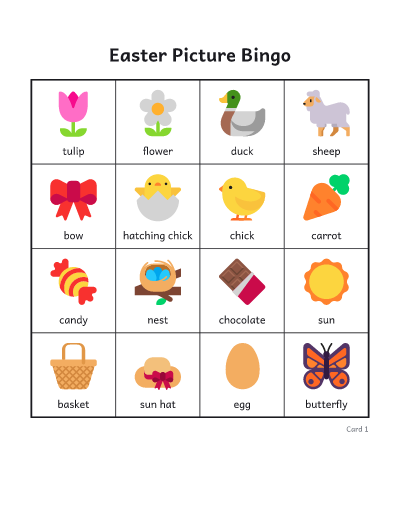
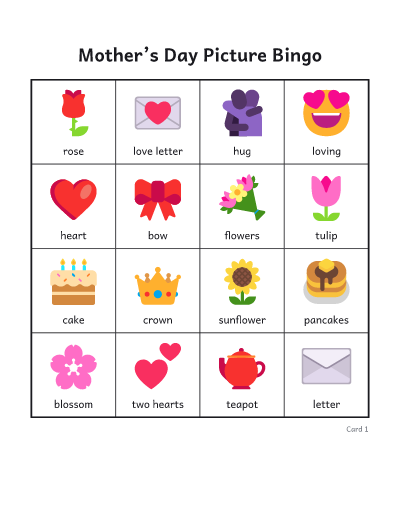
How to make picture bingo
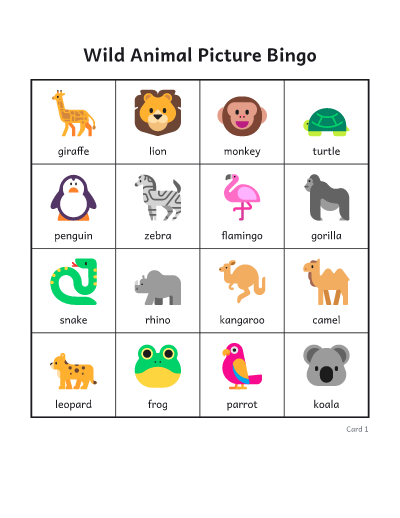
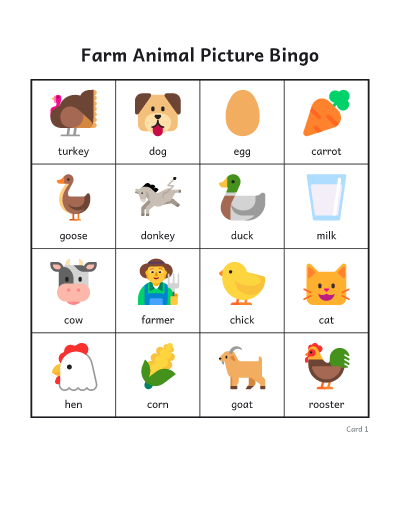
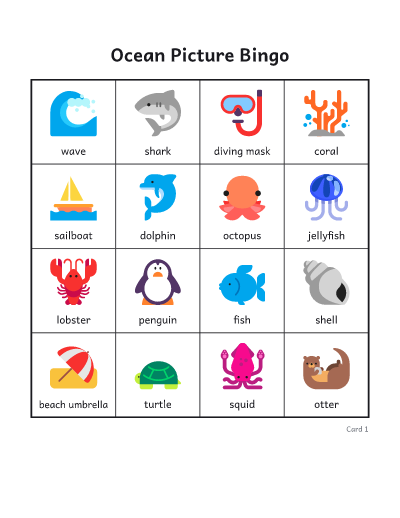
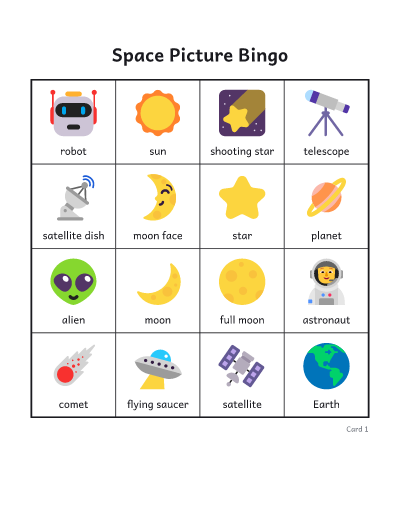
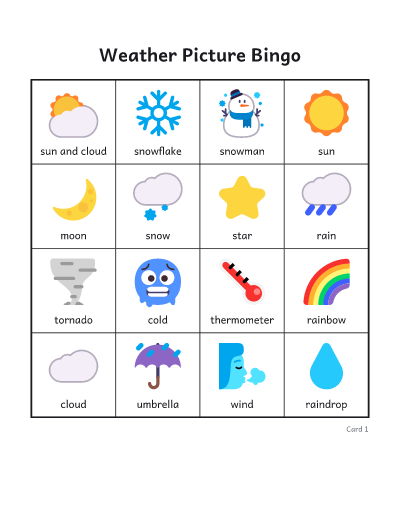
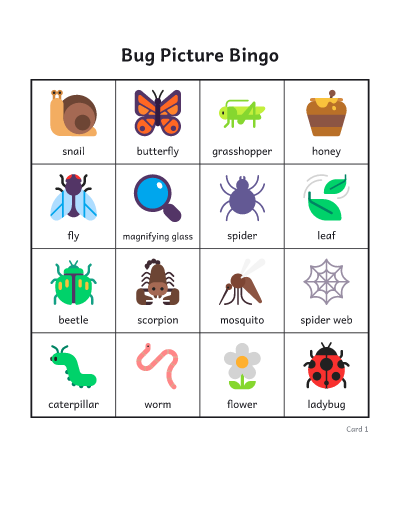
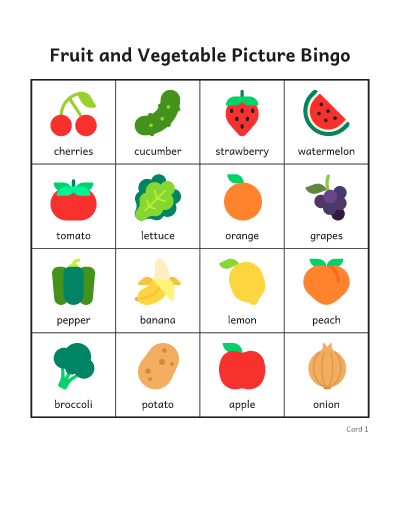
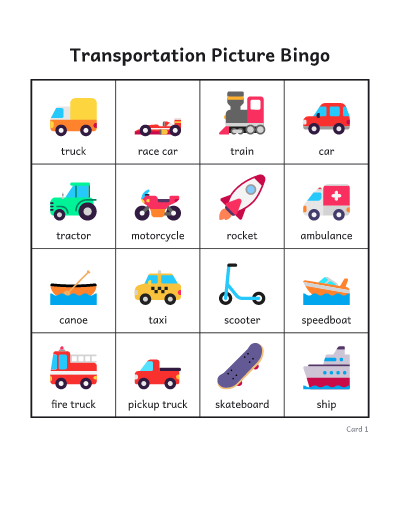
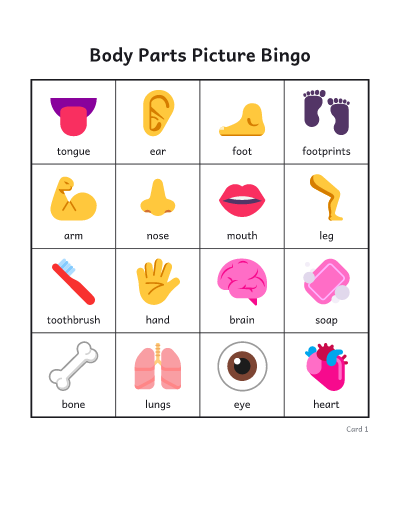
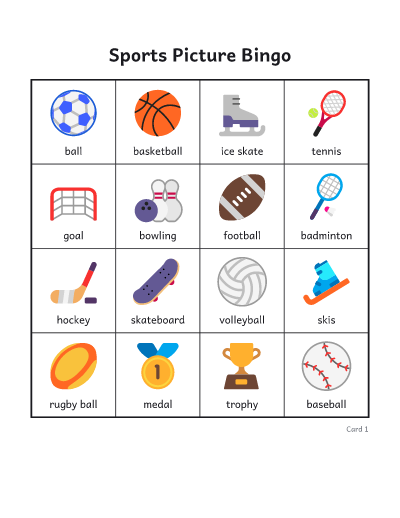
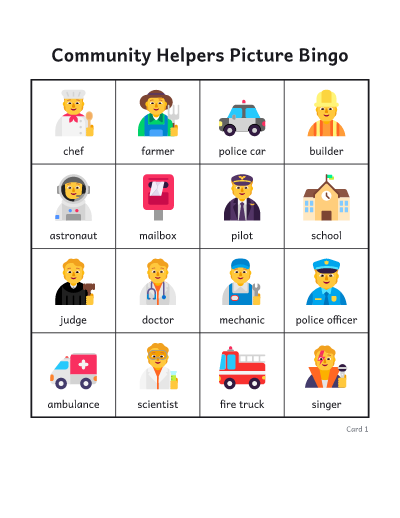
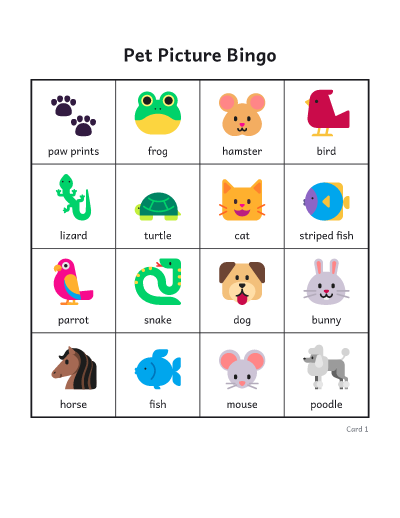
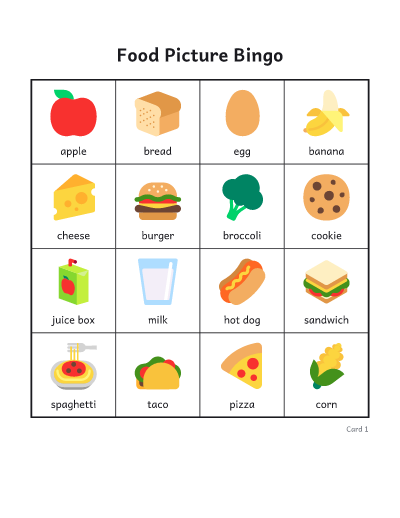
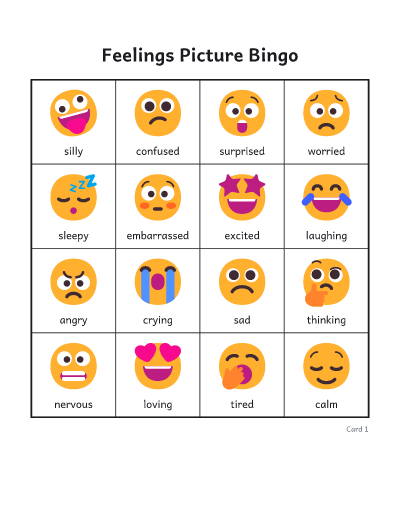
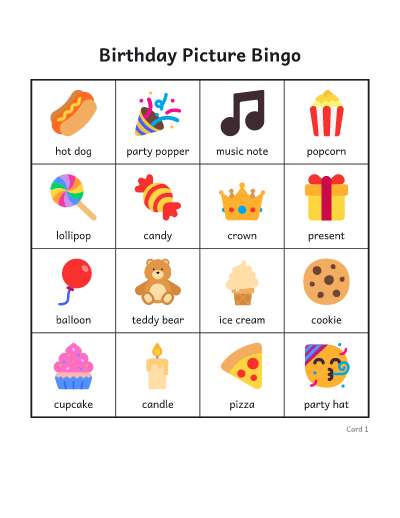
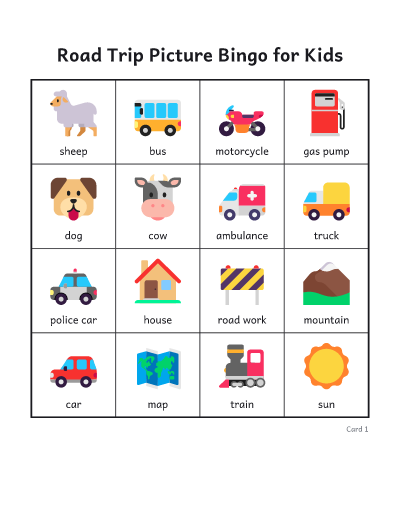
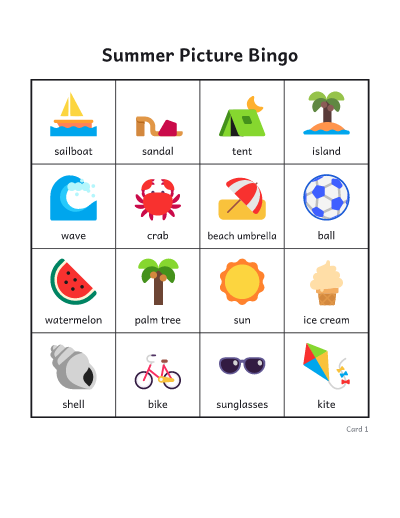
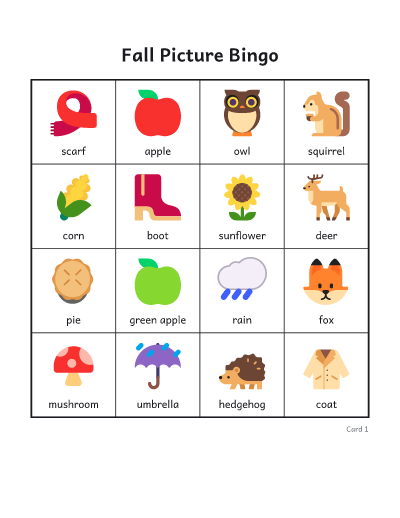
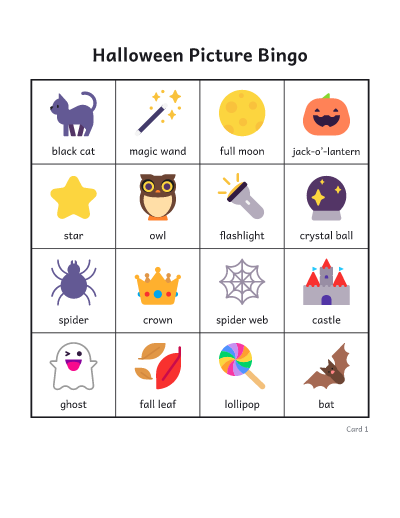
- Open a picture group, such as Farm, Feelings or Weather, and tap the pictures you want. “Add all” takes the whole group, and you can mix groups.
- Under “More options”, pick a grid size. 3 × 3 suits two- and three-year-olds, 4 × 4 suits most preschool and kindergarten classes, and 5 × 5 makes a longer game.
- Choose more pictures than a card has squares, so every card gets its own mix and the whole table does not win at once.
- Choose color or black and white, and whether to print each picture’s name underneath.
- Download or print the PDF. The calling cards come last: cut them out, put them in a bag, and draw one at a time.
Tips for playing with young children
- Hold up each calling card and say its name. For children who cannot read yet, seeing the picture matters more than hearing the word.
- Let a child draw the calling cards from the bag and show them to everyone. Children love being the caller.
- With the youngest players, use 3 × 3 cards and play for a full card: everyone fills a card in a few minutes and nobody waits long.
- Call with a clue instead of a name: “something that says moo”, “something we wear on our feet”. Older preschoolers love guessing.
- Mark squares with cereal, buttons, pom-poms or bingo daubers. Laminate the cards to use them again.
- Black and white cards make two activities from one sheet: color the pictures first, then play.
- For feelings bingo, ask players to make the face before they cover the square.
Common questions
Can children who cannot read play?
Yes. Every square is a picture, and the free space is a star rather than the word FREE. The names under the pictures are there for grown-ups and early readers, and you can turn them off.
What are calling cards?
Pages of large pictures, one of each picture on the cards, with dotted lines to cut along. Draw them from a bag or a hat to call the game, or keep the page whole and use it as a checklist.
What size card is best for preschool?
3 × 3 for toddlers and young threes, 4 × 4 for most preschool and kindergarten children, and 5 × 5 once they have played a few times.
Is every card different?
Yes. No two cards have the same layout, and if you choose more pictures than a card has squares, each card also gets a different selection.
Can I print in black and white?
Yes. Choose black and white for bold outline pictures that use little ink. Children can color them in before the game.
Can I show the calls on a screen?
Yes. “Play this game on screen” opens the online caller with the same cards. It shows each picture large, keeps a board of every call, and checks a card by its number.
Can I print without downloading?
Yes. Print, next to Download, sends the cards and calling cards straight to your printer. On some browsers and on phones it opens in a new tab, ready to print from there.
Where do the pictures come from?
They are Microsoft’s Fluent Emoji, shared under the MIT License, so they are free to print and use in class.