How to make a tracing worksheet
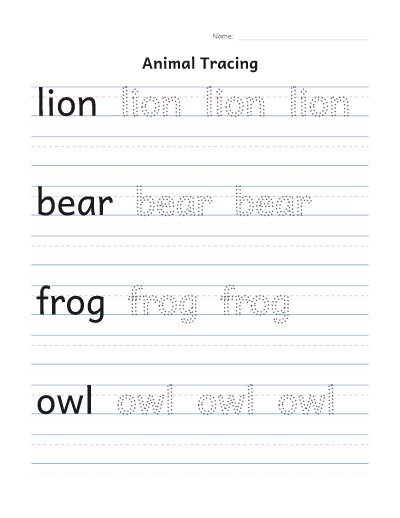
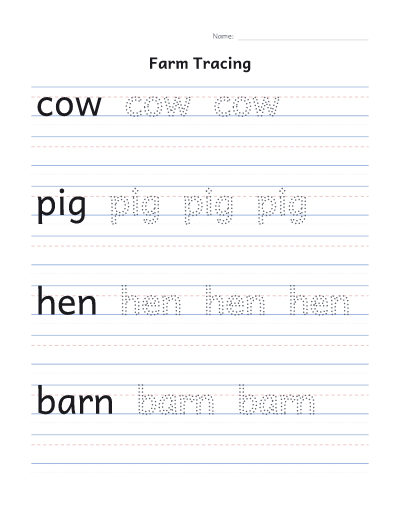
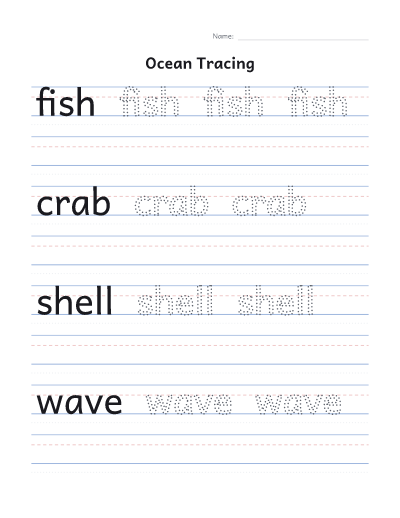
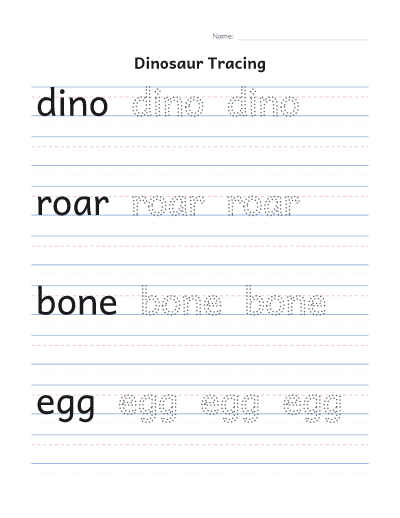
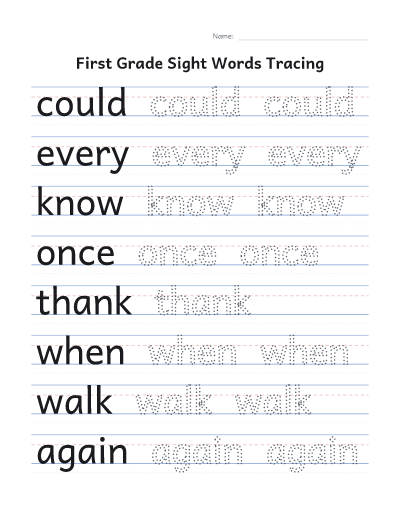
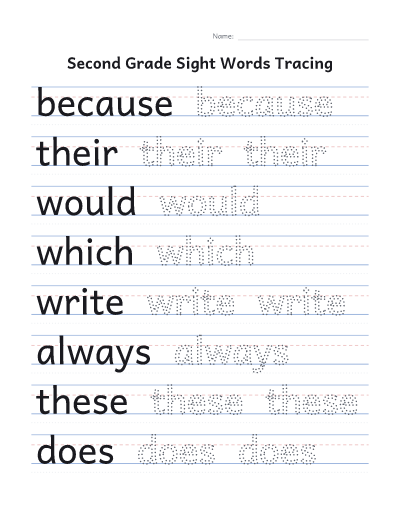
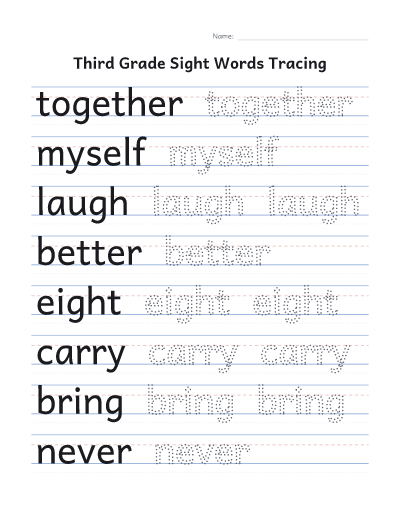
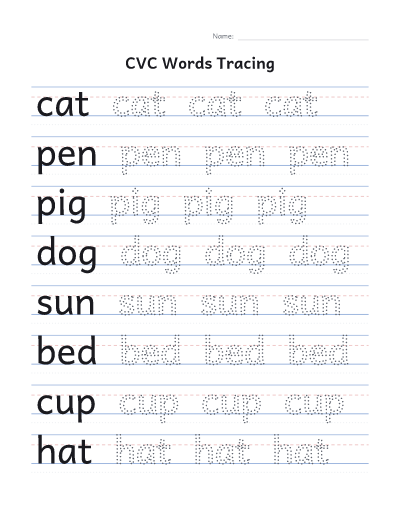
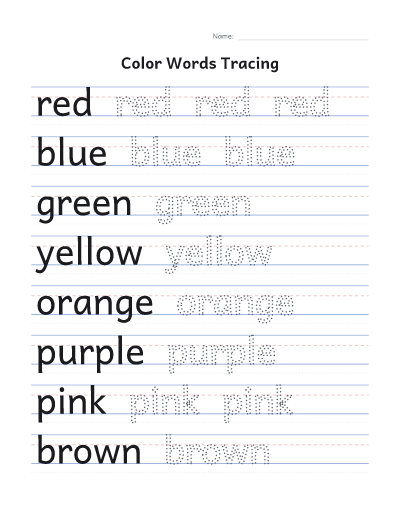
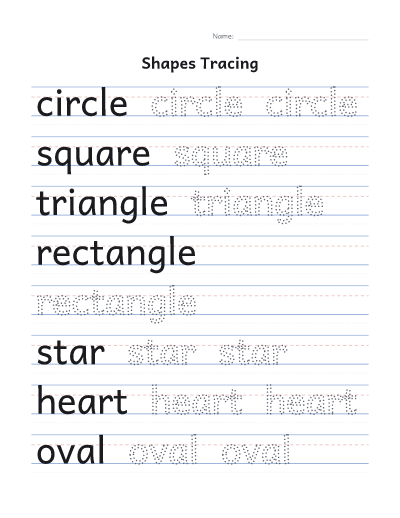
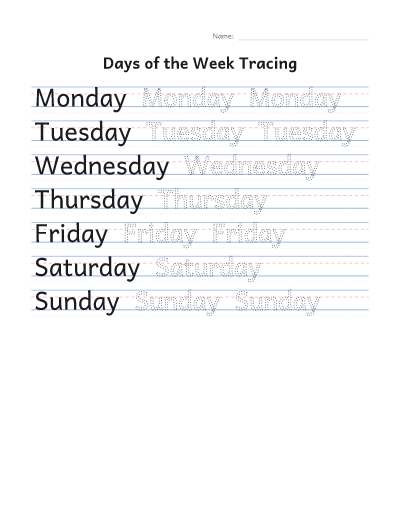
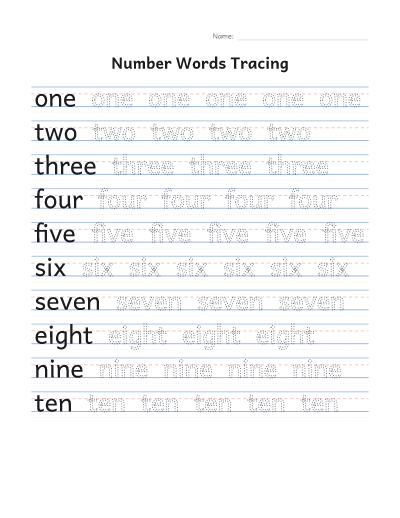
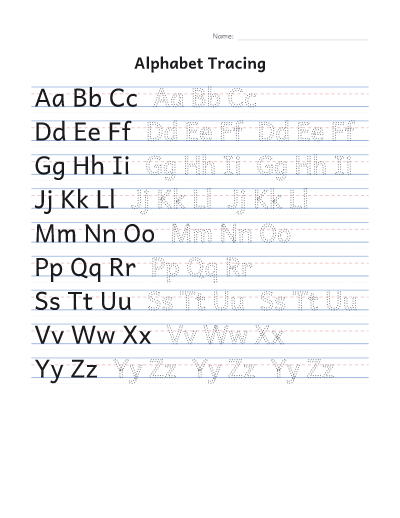
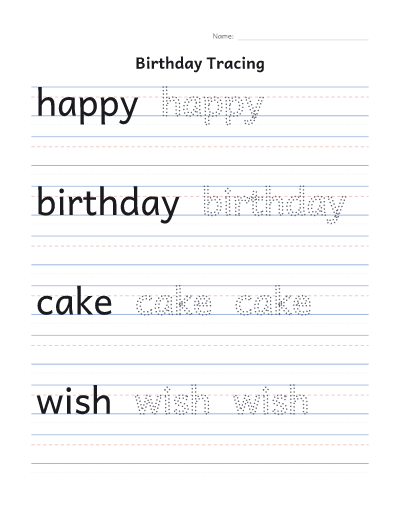
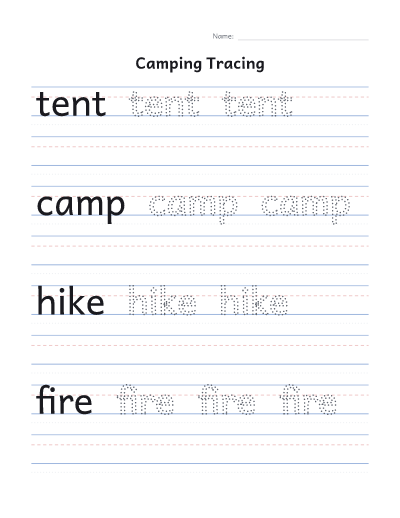
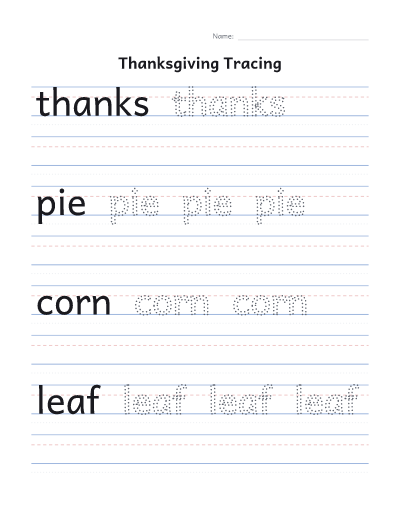
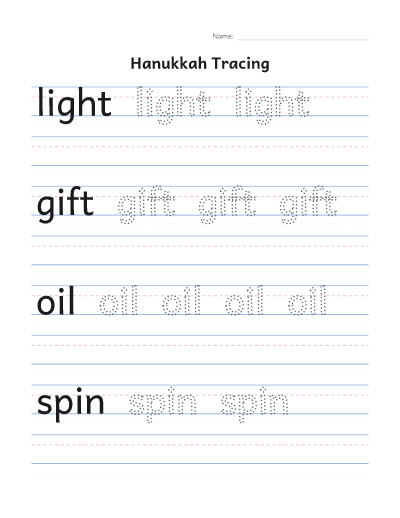
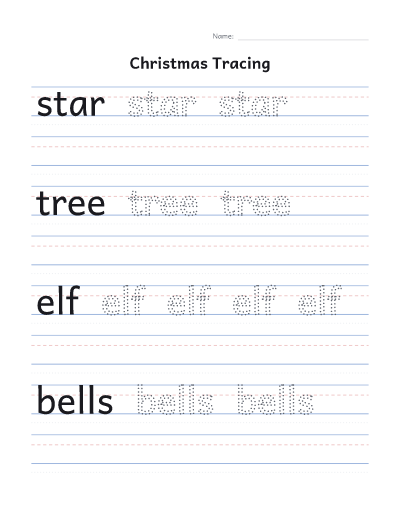
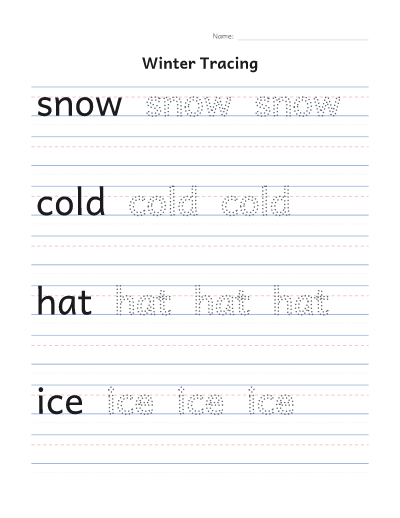
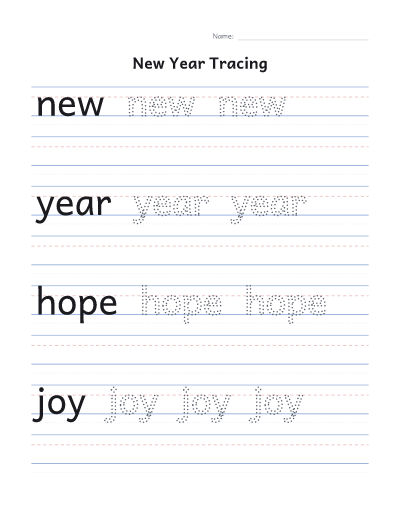
- Type a name, or a list of words with one on each line: a child’s name, sight words, spelling words or this week’s letters.
- Pick dotted or gray letters. Dotted letters suit children who are starting out; gray letters are good for steadier hands.
- Choose a letter size. Large suits preschool and kindergarten; small suits older children and longer words.
- Choose how many rows each word gets, from 1 to 4, or “Full page” to give each word a page of its own.
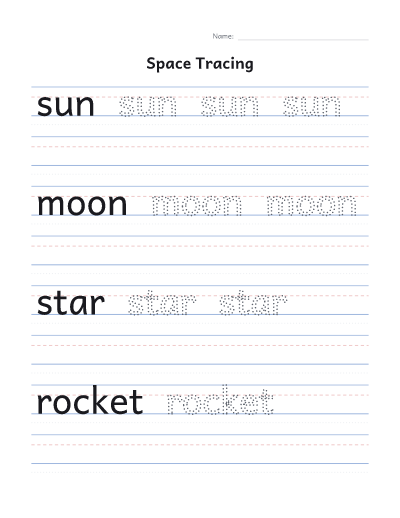
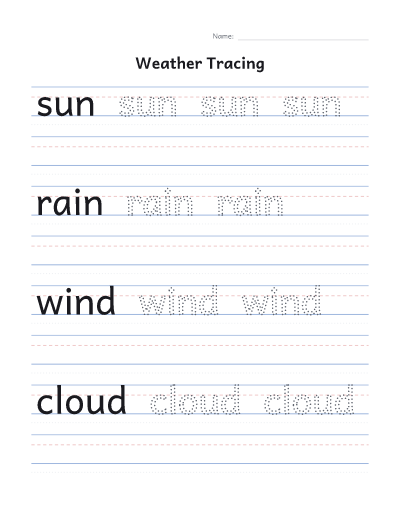
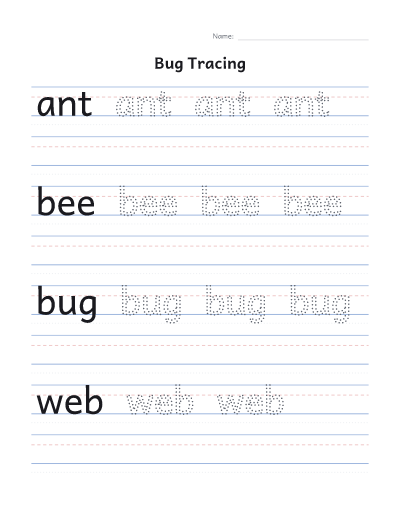
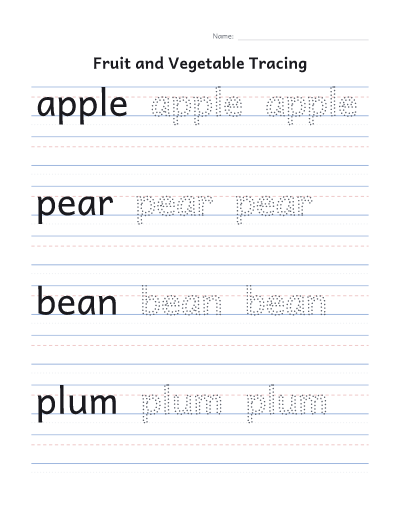
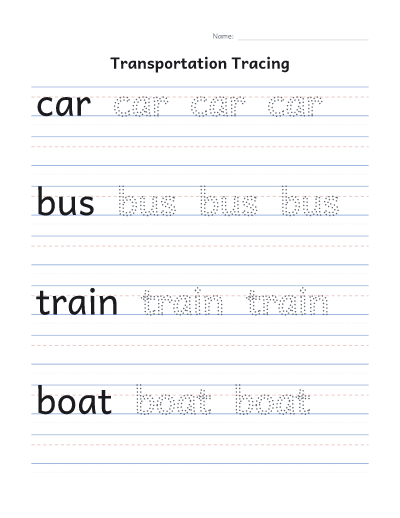
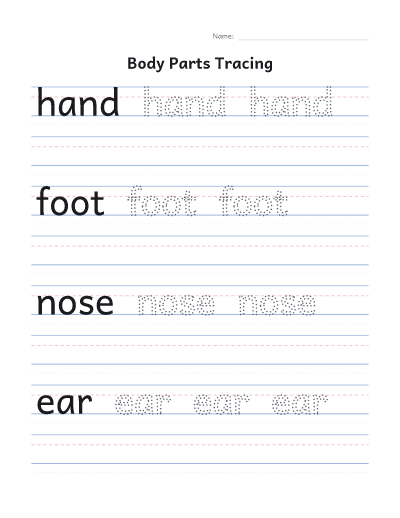
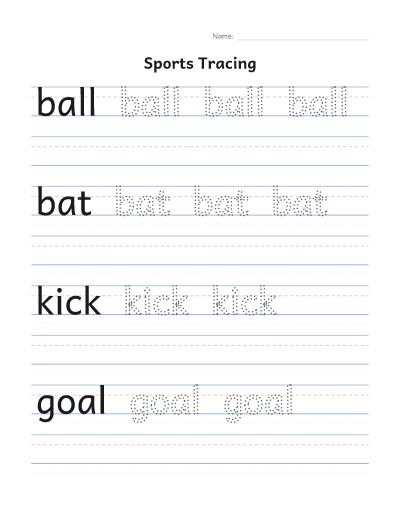
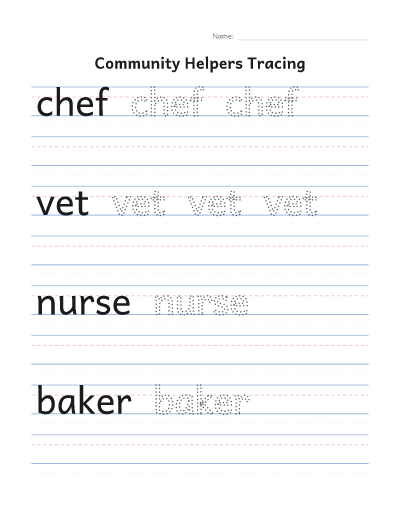
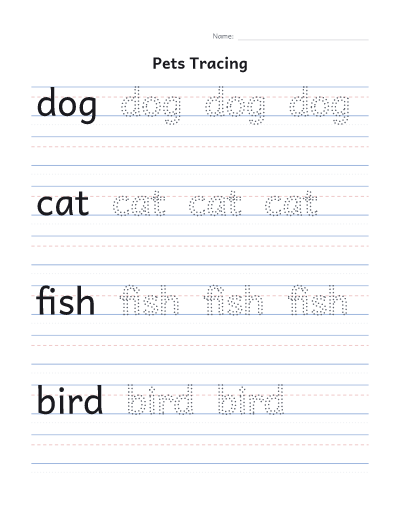
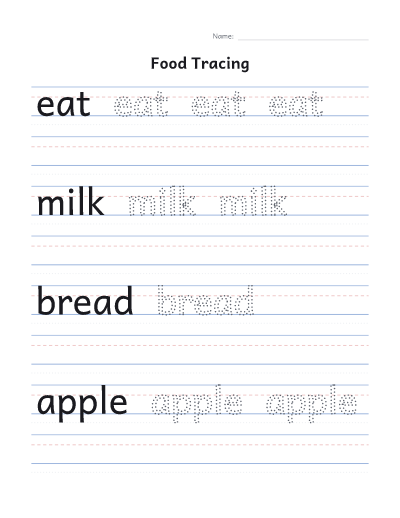
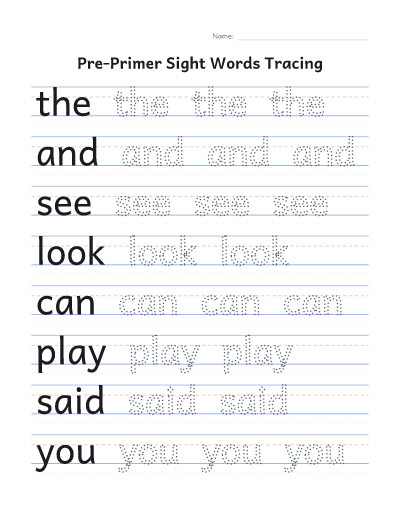
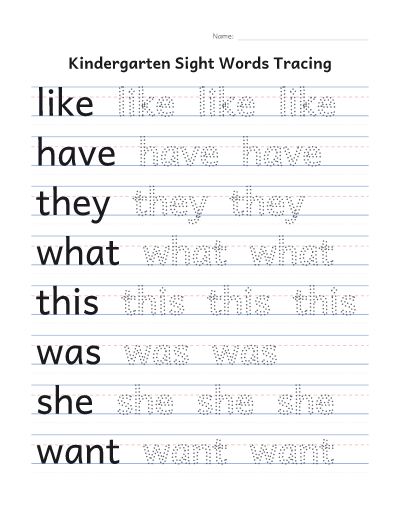
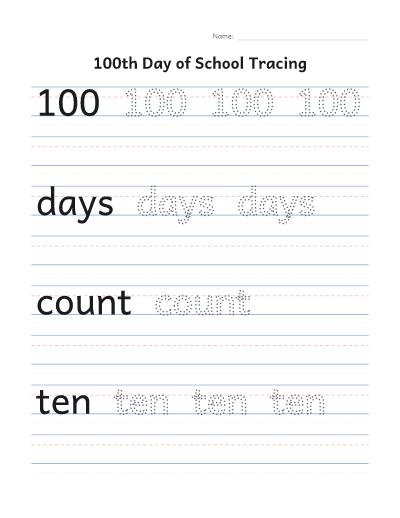
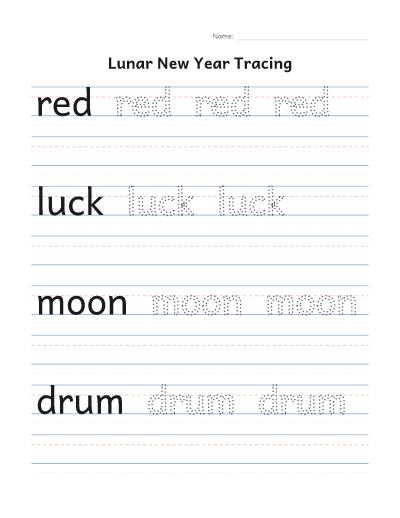
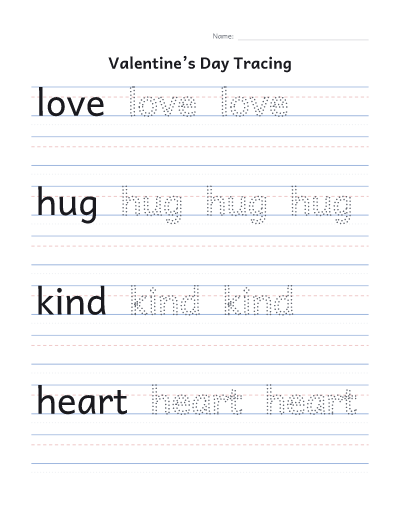
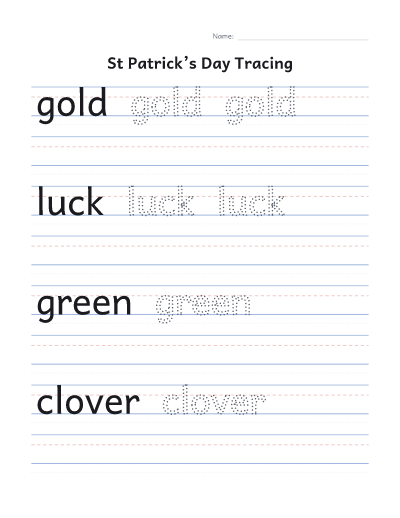
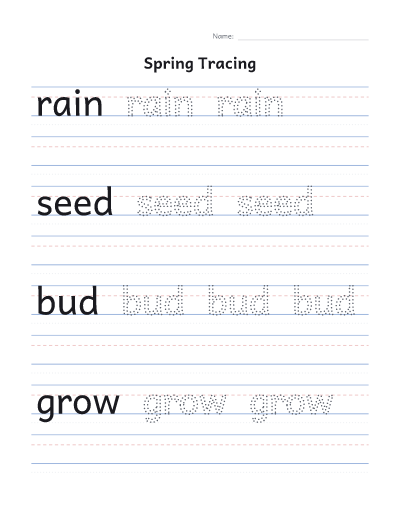
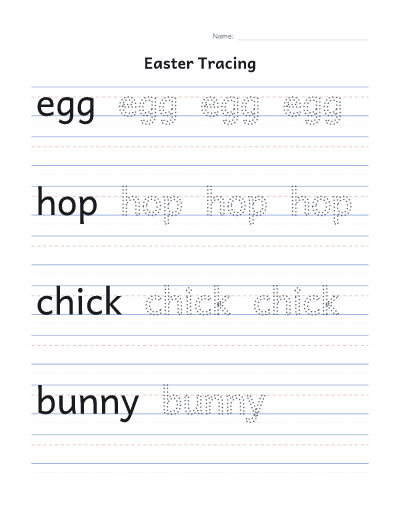
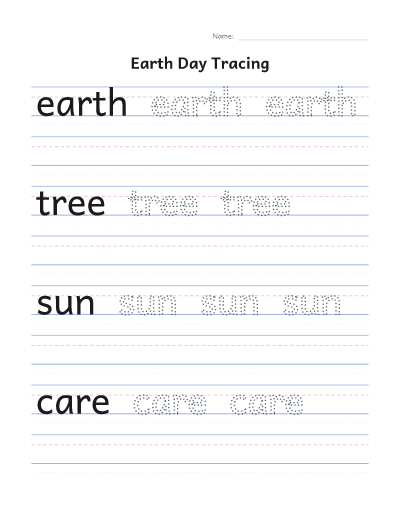
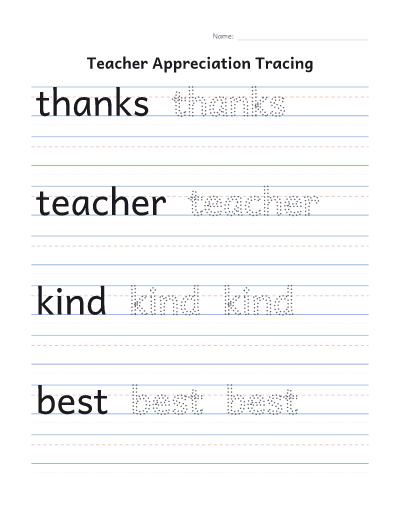
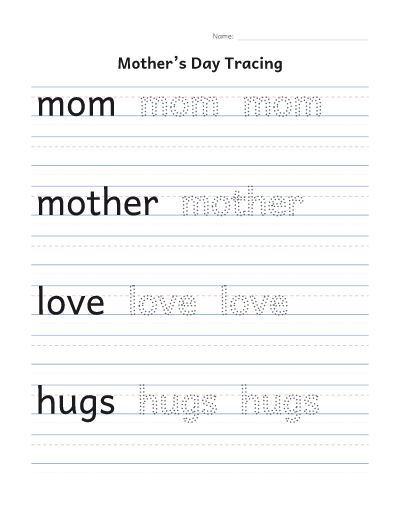
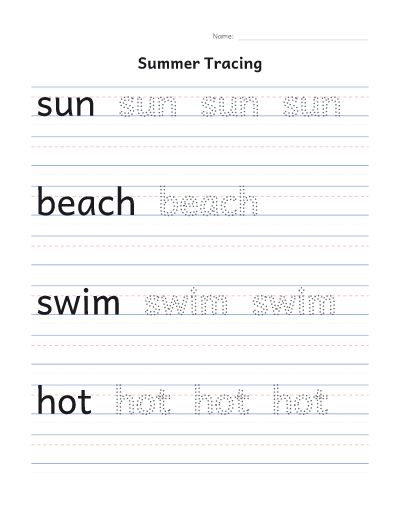
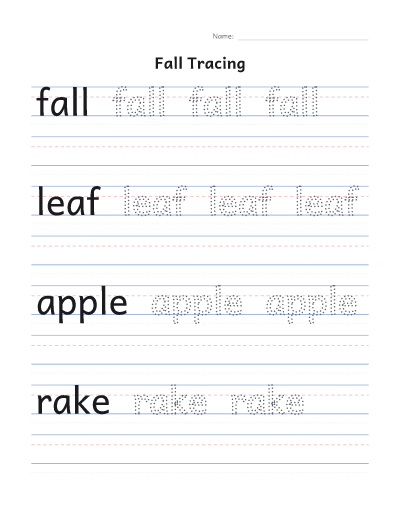
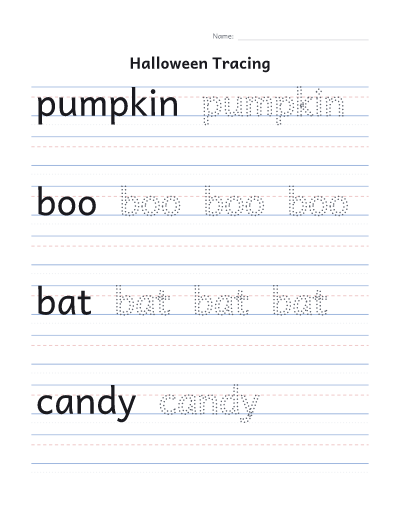
- Download or print the PDF. Each word starts with a solid example, then rows to trace, then an empty row to try alone. Any of these can be turned off under “More options”.
Tips for handwriting practice
- For a first name, use a capital first letter and lowercase for the rest, the way the child will write it at school.
- Short, frequent practice works better than long sessions: one or two rows a day is plenty for young children.
- Slide the sheet into a clear plastic sleeve and use a dry-erase marker to reuse it.
- The four lines help with letter height: tall letters touch the top line, small letters reach the dashed middle line, and letters like g, p and y drop to the bottom line.
About the letters
The letters use Andika, a font designed by SIL International for children learning to read, with the simple a and g that children learn to write. Andika is shared under the SIL Open Font License.
Common questions
Is it free?
Yes. No account, no email and no watermark.
Can I make a sheet with several names?
Yes. Type one name per line, up to 20. Each name gets its own rows, and the sheet continues onto more pages if needed. For a bigger class, make a second sheet with the rest of the names.
Does it work for capital and lowercase letters?
Yes. Keep the letters as typed, or switch the whole sheet to capitals or lowercase.
Can I trace sentences?
Short ones. A line can be up to 30 letters and spaces, and anything longer is cut off. Long lines are drawn smaller so they fit across the page.
Can I print without downloading?
Yes. Print, next to Download, sends the sheet straight to your printer. On some browsers and on phones it opens in a new tab, ready to print from there.