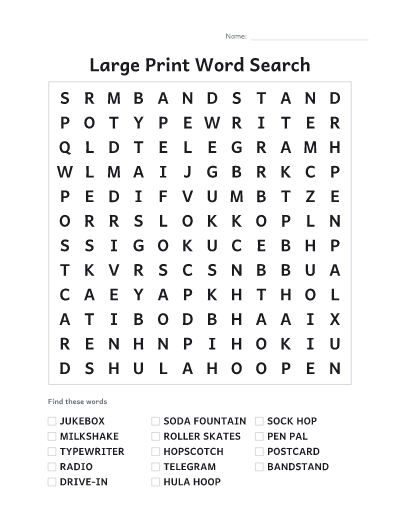
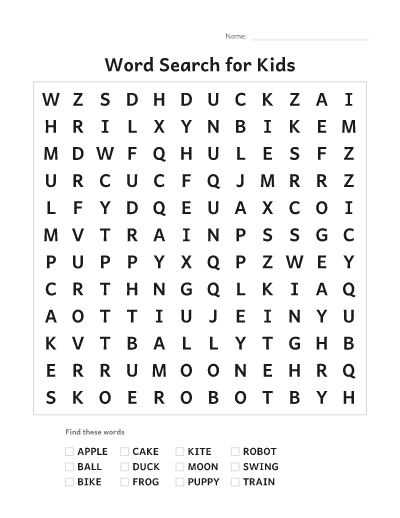
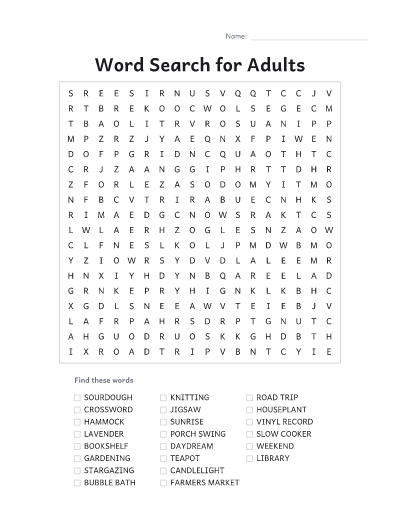
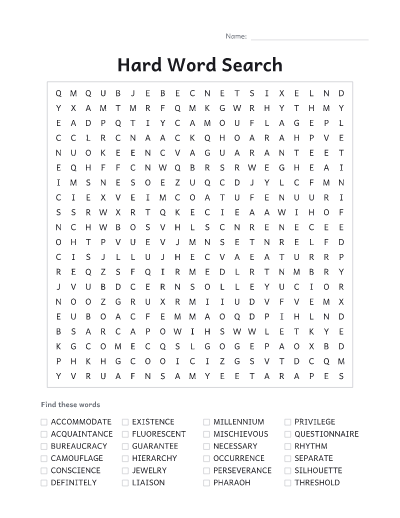
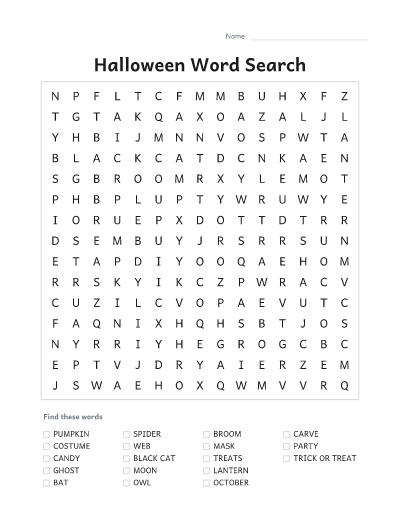
How to make a word search
- Type a title, then your words: one per line or separated by commas. Spaces and punctuation are removed, so "ice cream" becomes ICECREAM in the grid but still reads "ice cream" in the list.
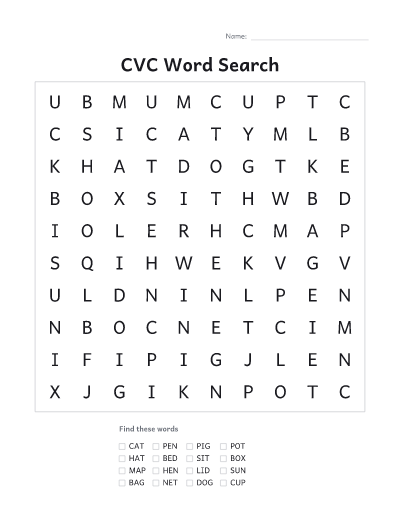
- Pick a grid size. A 10 × 10 grid suits young children and up to about 10 short words. Use 15 × 15 or larger for longer lists.
- Choose a difficulty. Easy puts words only across and down. Medium adds diagonals. Hard also allows words spelled backwards.
- For a class, open “For a class” and set “Different puzzles” to the number of students, or type their names: every child gets the same words in a different grid, so nobody can copy the answers from a neighbor.
- Download or print the PDF. The puzzles come first, then the answer keys, so you can print them separately. Each puzzle is numbered to match its key.
Tips for a good puzzle
- Mix long and short words. Long words are easy to spot; short ones hide well.
- For beginning readers, use capitals, the easy setting and a 10 × 10 grid.
- Use a spelling list or this week’s vocabulary for a quick review activity.
- Shuffle letters for a whole new set of grids with the same words.
- Switch the preview under the sheet to “Answers” to see where every word is hidden before you print.
- Type the class list once and keep it in a document: paste it in next week with the new spelling words.
Common questions
Is it free?
Yes. There is no account, no email and no watermark on the PDF.
Can I edit the puzzle later?
Use “Copy link to these puzzles”. The link holds your words and settings, so opening it brings back exactly the same puzzles. Student names are left out of the link on purpose. Puzzles you download or print on this device are also listed under “Your recent sheets”.
How many words can I hide?
Up to 40, each from 2 letters up to the width of the grid. A bigger grid fits more words and longer ones; any word that does not fit is listed under the word box.
Can I print without downloading?
Yes. Print, next to Download, sends the puzzles and their answer keys straight to your printer. On some browsers and on phones it opens in a new tab, ready to print from there.
Can I print a different word search for every student?
Yes. Set “Different puzzles” up to 40, or type the students’ names. Each puzzle has the same words in its own grid and its own number, and the answer keys follow, four to a page.
Why did some words not fit?
The grid ran out of room for them. Make the grid bigger, remove a few words, or switch to a harder setting so words can run in more directions.
Are my words uploaded anywhere?
No. The puzzle and the PDF are made in your browser.
Can I use the puzzles in class?
Use them freely in classrooms, at home and at events. The puzzle is made from your own words.